





Introduction
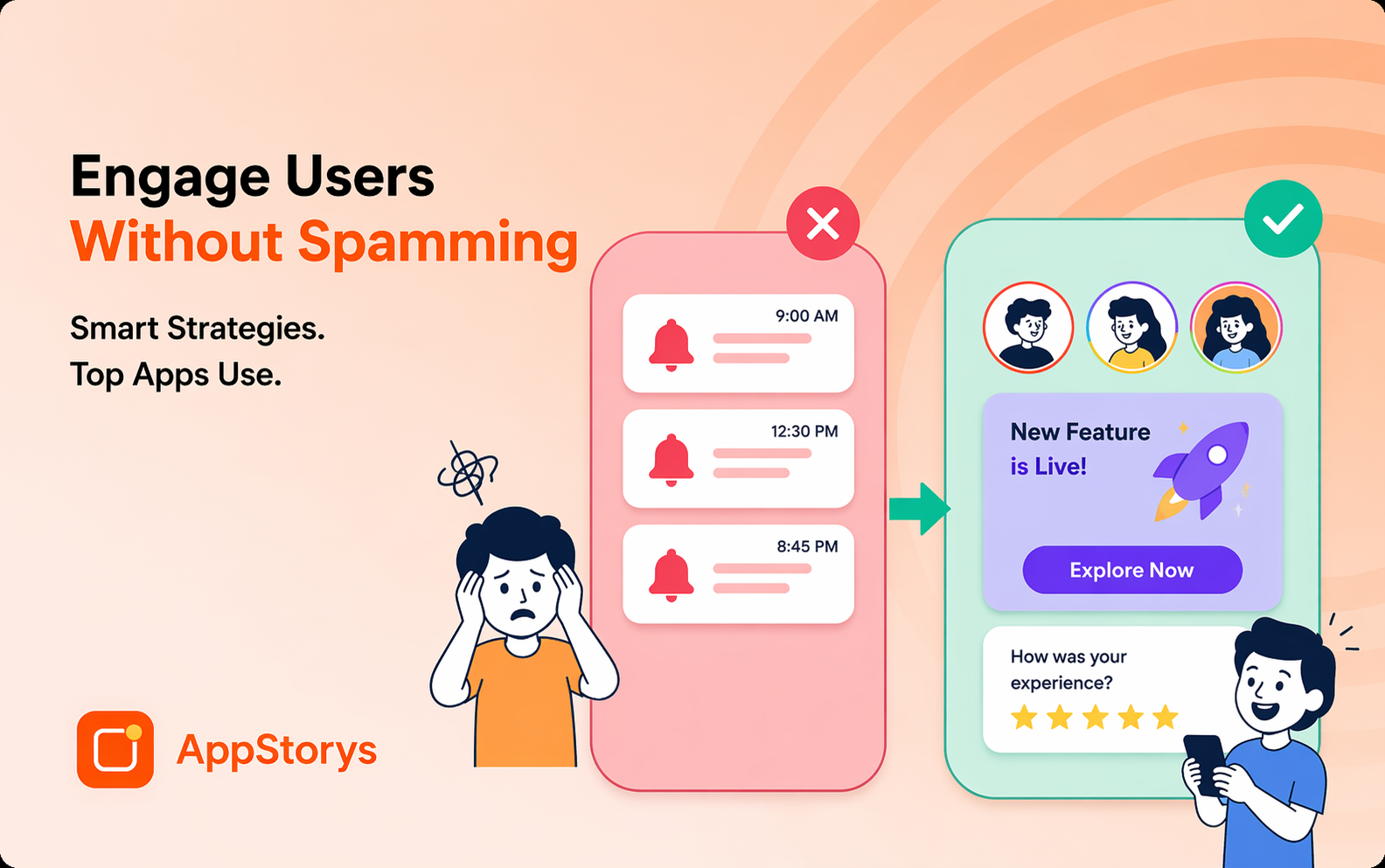
Push notifications and in-app messages serve fundamentally different purposes in your engagement toolkit. This guide compares their characteristics and shows how to combine them for full-funnel coverage.
Head-to-Head Comparison
| Characteristic | Push Notifications | In-App Messages |
|---|---|---|
| Reach | Users outside the app | Only active, in-app users |
| Typical engagement rate | 5-10% | 10-30%+ |
| Requires permission | Yes (opt-in) | No |
| Best for | Re-engagement, time-sensitive alerts | Onboarding, contextual guidance, upsells |
| Intrusiveness | Higher (interrupts other activity) | Lower (within expected app context) |
When Push Notifications Win
- Re-engaging dormant/inactive users (see win-back campaigns)
- Time-sensitive alerts (streak about to break, offer expiring)
- Bringing users back for scheduled/recurring content
When In-App Messages Win
- Onboarding guidance (see in-app nudges)
- Contextual feature announcements and upsell offers
- Any message that benefits from immediate, in-context relevance
Combining Both for Full-Funnel Coverage
Use push to bring users back into the app, then in-app messages to guide their session once they arrive—a coordinated, multi-channel approach outperforms either channel alone.
Measuring Each Channel
Track separately: push open rate and downstream in-app action; in-app message view rate and interaction rate. Attribute conversions to the full journey, not just the last-touch channel.
Conclusion
Push notifications and in-app messages aren't competitors—they're complementary channels solving different problems. Use push to reach users outside the app, in-app messages to guide them once inside, and measure the combined, coordinated impact.
Related Resources
Ready to coordinate push and in-app messaging? AppStorys helps you orchestrate multi-channel engagement campaigns. Book a demo.