





Introduction
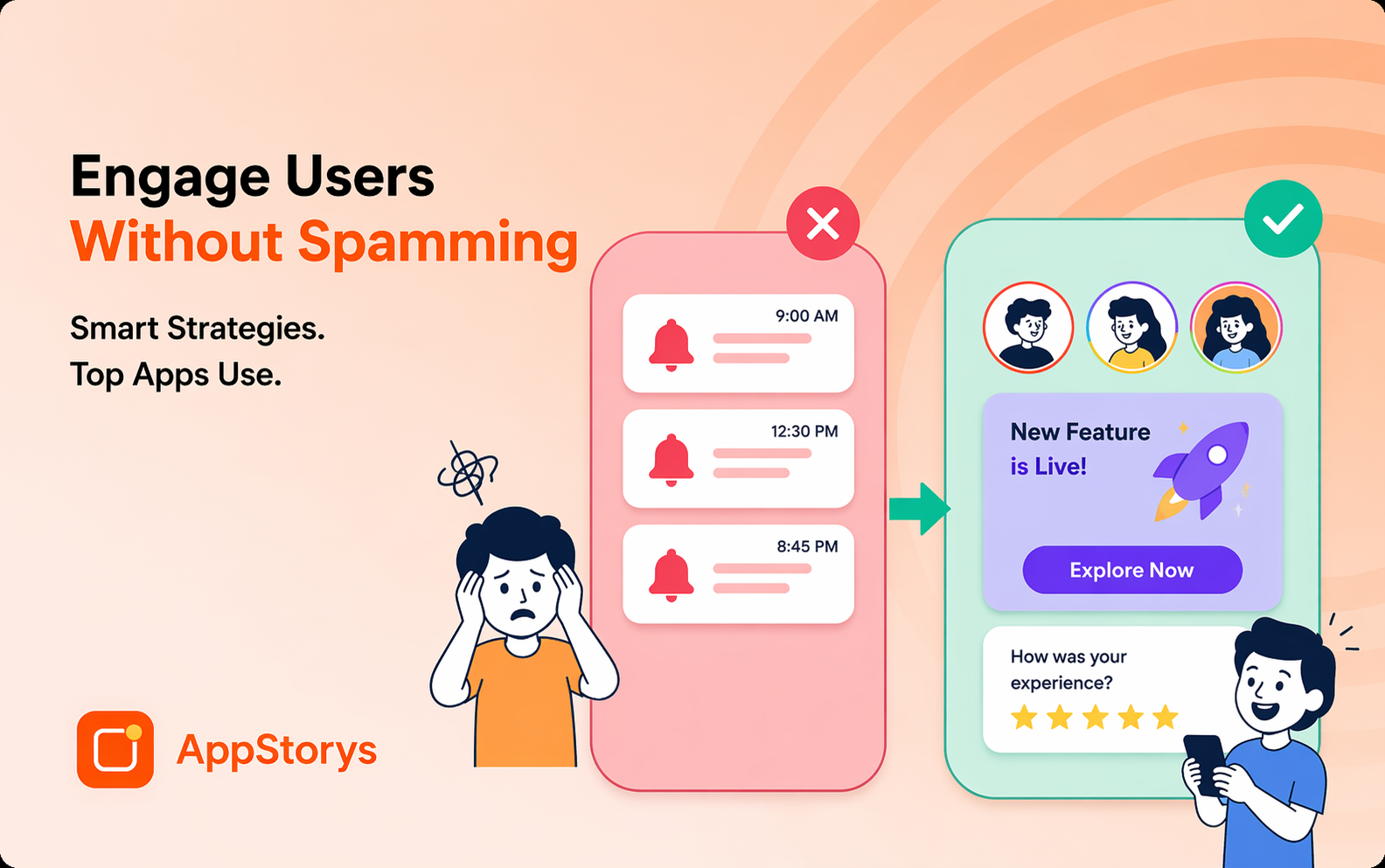
In-app nudges are small, contextual prompts that guide users toward a desired action—without interrupting their flow. Done well, they lift feature adoption, conversion, and retention. Done poorly, they feel like nagging. This guide covers the types, timing, and design principles that separate the two.
What Are In-App Nudges
In-app nudge: A lightweight, contextual UI element that gently directs user behavior toward a specific action, based on where they are and what they're doing in the app.
Unlike a full-screen interruption, nudges are designed to feel native to the experience—a tooltip pointing to a feature, a subtle banner suggesting the next step, a badge indicating something new.
Types of In-App Nudges
- Tooltips: Small contextual hints pointing to specific UI elements
- Banners: Non-intrusive strips suggesting an action or announcing something new
- Badges: Visual indicators (dots, numbers) signaling new content or required action
- Modals: More prominent prompts for higher-priority actions
- Progress indicators: "You're 80% done—finish setup" style nudges
- Social proof nudges: "500 people bought this today"
When to Use Each Nudge Type
Tooltips: Feature discovery, first-time UI elements
Banners: Announcements, soft upgrade prompts, non-urgent suggestions
Badges: Ongoing awareness (unread messages, pending actions)
Modals: Reserve for high-value moments (see modals guide)—overuse damages trust fast
Nudge Design Principles
- Contextual relevance: Fire based on behavioral triggers, not arbitrary timers
- Dismissible: Always give users an easy way out
- Frequency capped: 1-2 nudges per session maximum
- Value-first copy: Lead with the benefit, not the feature name
- Visually subtle: Nudges should feel native, not jarring
Nudge Examples by Industry
- E-commerce: "3 people are viewing this item" (urgency nudge)
- Fintech: "Complete your KYC to unlock withdrawals" (progress nudge)
- Gaming: "Your streak ends in 2 hours" (loss-aversion nudge)
- SaaS: "Invite your team to unlock collaboration" (feature discovery nudge)
Measuring Nudge Effectiveness
Track: view rate, interaction rate, dismiss rate, and downstream conversion (did the nudged action actually happen?). A/B test nudge copy, placement, and timing—see our A/B testing guide.
Conclusion
In-app nudges are one of the highest-leverage, lowest-friction tools for guiding user behavior. Use them contextually, cap frequency, and always give users control. Combined with behavioral triggers, nudges can meaningfully lift adoption and conversion without feeling intrusive.
Related Resources
- Behavioral Triggers for In-App Campaigns
- Mobile App Tooltips: A Complete Guide
- In-Product Banners: Announcement Strategy
Ready to build contextual in-app nudges? AppStorys helps you design and trigger nudges that convert without annoying users. Book a demo.