



doller

We’ve raised $5M to power the next journey of growth

← View all blogs

Coach Marks & Spotlight UI: Guiding Users Through Your App (2026)

Design and sequence coach marks that guide new users to your product's core value without overwhelming them.

Vatsal Aditya
Author
Coach Marks & Spotlight UI: Guiding Users Through Your App (2026)
Search Meta Description: Coach marks and spotlight UI guide: when to use, design best practices, sequencing tours. Guide users through your app effectively.

Introduction

Coach marks and spotlight UI overlays are among the most effective ways to guide new users toward your product's core value—darkening the background and highlighting exactly one element at a time. This guide covers how to design and sequence them for maximum impact.

What Are Coach Marks & Spotlight UI

Coach marks: UI overlays that dim the rest of the screen and highlight ("spotlight") a specific element, paired with a short explanatory text bubble.

They're typically sequenced into a guided tour: highlight element 1, explain it, user taps "next," highlight element 2, and so on.

When to Use Coach Marks

  • Introducing a genuinely non-obvious UI element (icon-only buttons, gestures)
  • Highlighting a newly launched feature
  • Guiding first-time users toward the aha moment
  • Avoid for self-explanatory UI—unnecessary coach marks feel patronizing

Design Best Practices

  • One element at a time: Never spotlight multiple things simultaneously
  • Short copy: One sentence max per coach mark
  • Skip option: Always visible, never buried
  • Progress indicator: "2 of 4" helps users know how much is left
  • Contextual trigger: Show when the user reaches the relevant screen, not all upfront

Sequencing Multi-Step Tours

Order coach marks by value, not screen layout. Start with the single highest-value action, then layer in secondary features across subsequent sessions rather than one long first-session tour.

Real-World Examples

  • Productivity apps: Spotlight the "create new" button before anything else
  • Social apps: Spotlight the compose/post button, then notifications
  • Fintech apps: Spotlight the balance view, then the transfer/pay action

Measuring Impact

Track: tour completion rate, skip rate at each step, and downstream feature adoption for tour-completers vs skippers. If skippers adopt features at a similar rate, your tour may not be adding value.

Conclusion

Coach marks and spotlight UI are powerful for directing attention to specific, non-obvious elements—but only when used sparingly and sequenced thoughtfully. Limit to 3-5 marks, always allow skip, and measure whether the tour actually improves downstream adoption.

Related Resources

Ready to build coach mark tours? AppStorys helps you design and sequence spotlight UI that guides users to value. Book a demo.
Frequently Asked Questions (FAQs)

3-5 max. Beyond that, users click through without reading (tour fatigue). Focus on the 3-5 features most correlated with retention, not every feature you have.

Only for the single most critical feature. Spread the rest across the first few sessions, triggered contextually as users approach relevant screens—this reduces cognitive overload.

Always allow skip. Forced tours frustrate returning users and power users who don't need guidance. Track skip rate—a high skip rate signals the tour isn't providing perceived value.

Coach marks typically appear during a guided sequence (onboarding tour) and darken the background to spotlight one element. Tooltips are standalone, contextual hints that can appear any time, not just during a tour.

Yes, but only to users who haven't discovered the updated feature—use behavioral targeting, not a blanket re-show to everyone.

Recent Stories

Why Users Stop Coming Back to Your App — And 10 Proven Ways to Improve User Retention

Struggling with low repeat usage? Learn how to improve user retention, increase DAU and MAU...

30 April 2026
10 min read
Read article
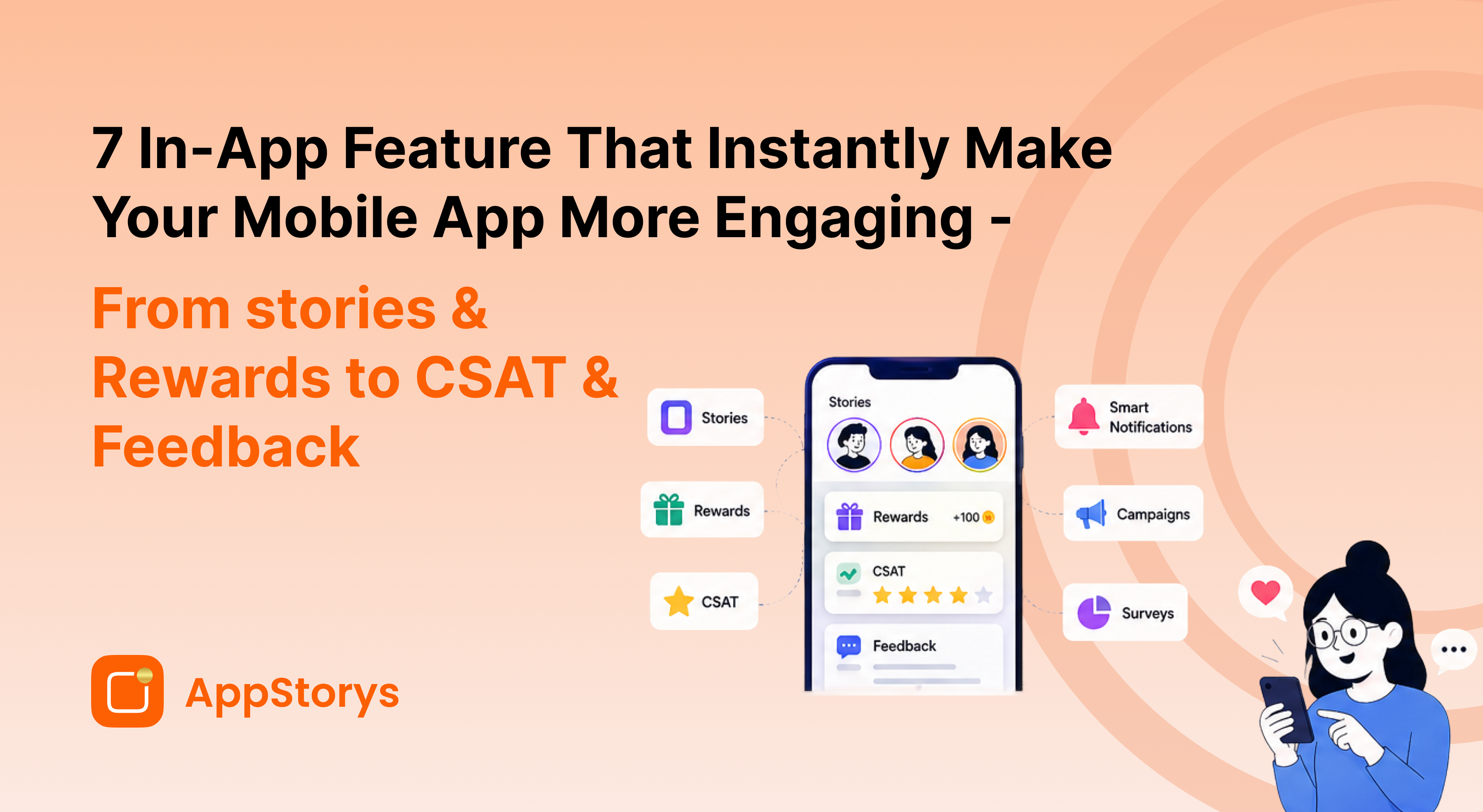
7 In-App Features That Instantly Make Your Mobile App More Engaging

Discover how to add stories, rewards gamification, CSAT, user feedback, and more...

30 April 2026
8 min read
Read article
Not Getting Enough App Downloads or Revenue? Here’s How to Acquire More Users

Learn how to acquire users, increase app downloads, and boost app revenue with smarter strategies...

30 April 2026
11 min read
Read article

Get started today or schedule
a quick 15 min demo

[object Object]

AppStorys

Our SDKs

iOS

android

flutter

react native

React.js

angular

wordpress

shopify

Integrations

cleverTap

MoEngage

Mixpanel

mParticle

Custom Audiences

security

SOC 2 verified

encrypted

24/7 Global Fraud Monitoring

AWS Servers - No data collected

GDPR Compliant

RBI Compliant

2026 AppStorys Inc. All rights reserved

Made with ❤️ in USA & India

footer img 1footer img 2